
From your Trader Dashboard, click on the link "Orange Card"

Click on the link "Orange Card Dashboard"

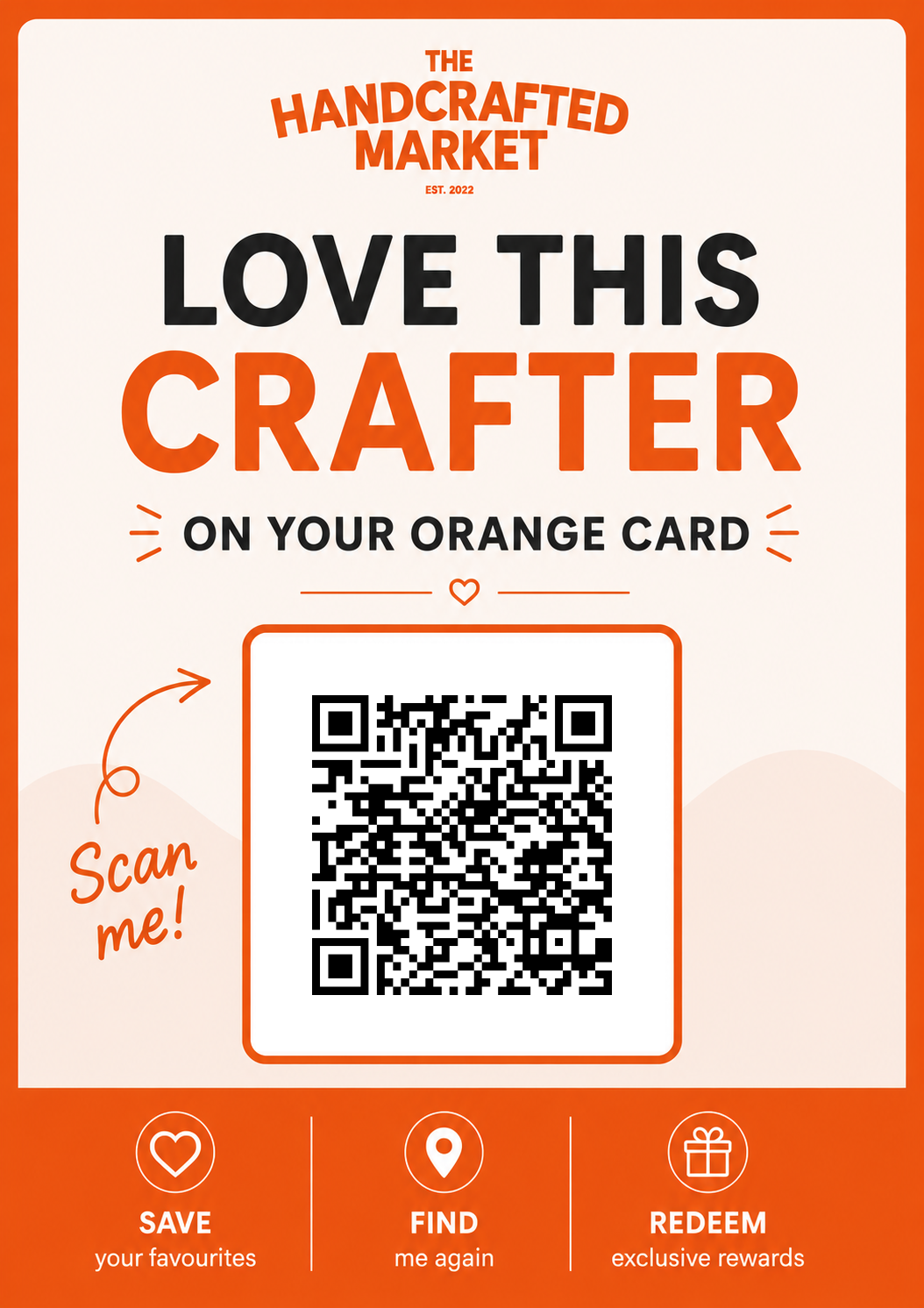
Scroll down to the bottom of the page and click on the link "Download A5 Poster"

Your poster will now download and save to your computer ready to print.